School Parent Portal Guide: Sharing Updates Families Need
School news can be easy to miss when it arrives on paper, in email and across different chat groups. A parent portal gives families one place to check—but only if the information there is useful and up to date.
Start with a few high-value tasks
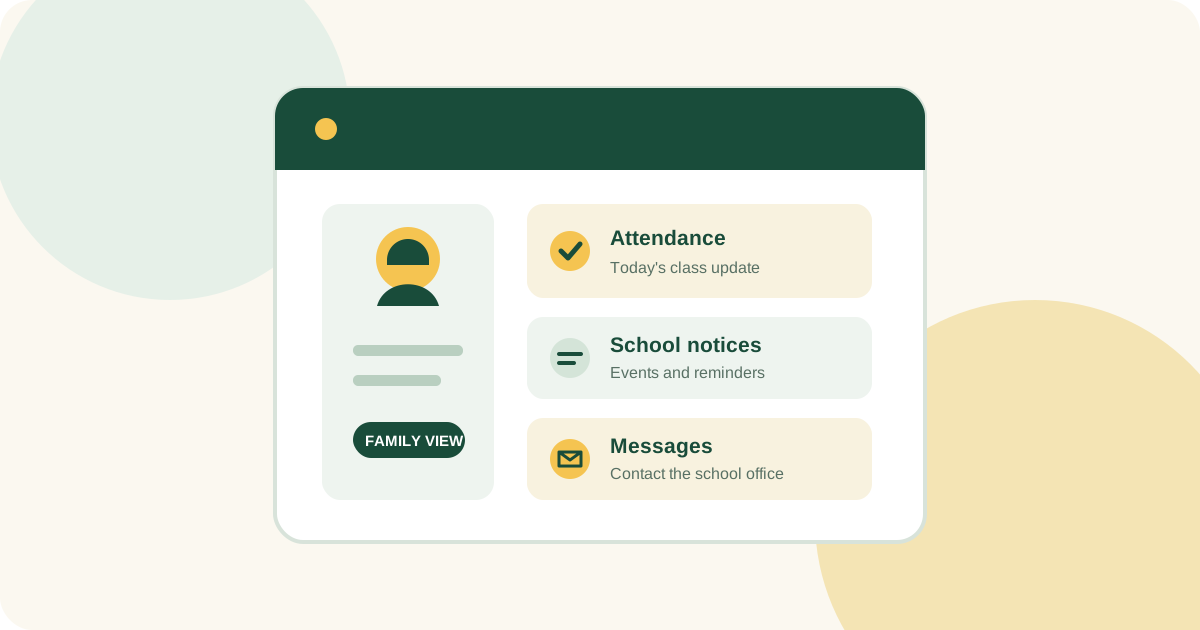
Before you invite families in, decide what the portal should help them do. Start with common needs: checking attendance, reading notices, viewing timetables, finding fee details or contacting the school office. Focus first on the tasks that lead to repeat phone calls or a hunt through old messages.
Make each update easy to understand
Keep updates short and specific. An event notice should say when it is, who it is for and whether families need to respond. An attendance alert should name the day and explain how to report a mistake. A notification is useful, but make sure the full details are easy to find in the portal too.
Set expectations for messages
Let families know where to send general questions, urgent concerns and private matters. Tell them when they can expect a reply, and who to contact if they can't get into the portal. Clear expectations help staff respond reliably without promising an instant answer.
Protect student and family information
Make sure families can only see information for their own students. Review access when a student enrols or leaves, or when guardianship changes. Give each person their own account, limit staff access to what they need and keep sensitive details out of general announcements.
Help families get started
Share a simple sign-in guide and show families where to find the features they'll use most. Make the instructions easy to follow on a phone, and consider families with limited data or who prefer another language. Keep another way to share essential information for anyone who can't use the portal.
Review whether the portal is working
Once families start using it, ask what they can and can't find. Watch for repeat questions, old notices and login problems. Improve the guidance, and only retire duplicate channels when the portal is working well and families know where to go.
A portal can make everyday updates easier, but families should still know how to reach a person at the school. Explore ScholaroApp's school and parent portal features, or read our guide to student attendance tracking.