01
Set up courses and batch lists
Create batches and review enrolled students against their intended course. Use student lists to check that teaching groups reflect the enrolments your office has recorded.
Keep course enrolments, batch lists and teacher assignments connected as your institute coordinates different student groups. Review the routine for adding students, assigning teaching work and checking batch assessments in one product workflow.
For coaching coordinators, tuition-centre owners and teachers working across multiple batches.
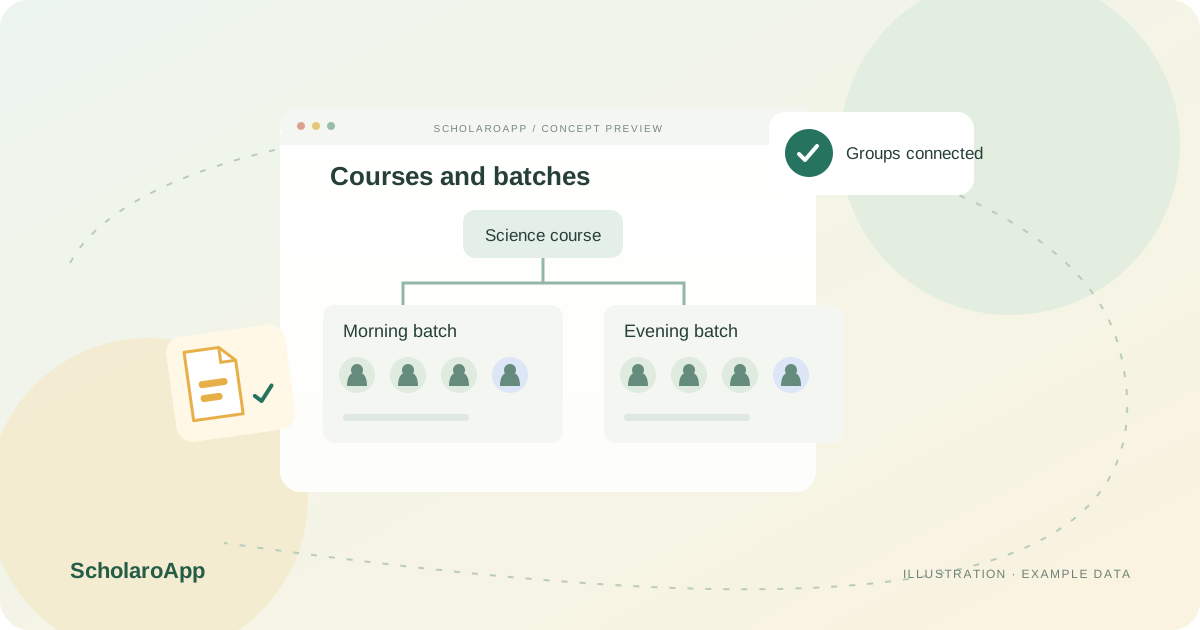
Create batches and review enrolled students against their intended course. Use student lists to check that teaching groups reflect the enrolments your office has recorded.
Use bulk batch assignments and the available preview to spot duplicate, invalid or already-assigned entries. Review teacher-course assignments before distributing teaching responsibilities.
Target homework and projects to batches, review submissions and configure batch exam subjects. Use batch grade views and report cards to review academic work for the same student group.
Common assignments can be created across up to 30 selected batches per request; that is not a promise of unlimited batch capacity. Confirm package limits and current batch-related screens. No automatic timetable optimisation is claimed.
Feature availability depends on the product, configured package and current interface. Confirm the screens, setup and permissions your team will use in a guided demo. A feature described here is not a promise that it is bundled into every plan.
Bulk student assignment includes a preview identifying duplicate, invalid or already-assigned entries. Validate the workflow using synthetic records.
Common assignments support up to 30 selected batches per request. Confirm the current interface, access and package availability.
Batch exam subject configuration, grade views and report cards are listed. Ask to review a sample assessment from setup to its batch results.
Share your institution size and the workflow you want to review. No student or parent records are needed to request a demo.