01
Set the assessment rules
Configure exam categories, grade bands and category weightage. Set subject maximum and passing marks so that a sample calculation can be checked before staff enter a full class of results.
Bring exam setup, marks entry and results into one academic workflow. Review the grading rules first, enter marks against the right subjects and use the resulting totals and grades to prepare academic reports.
For exam coordinators, teachers and principals preparing class and student results.
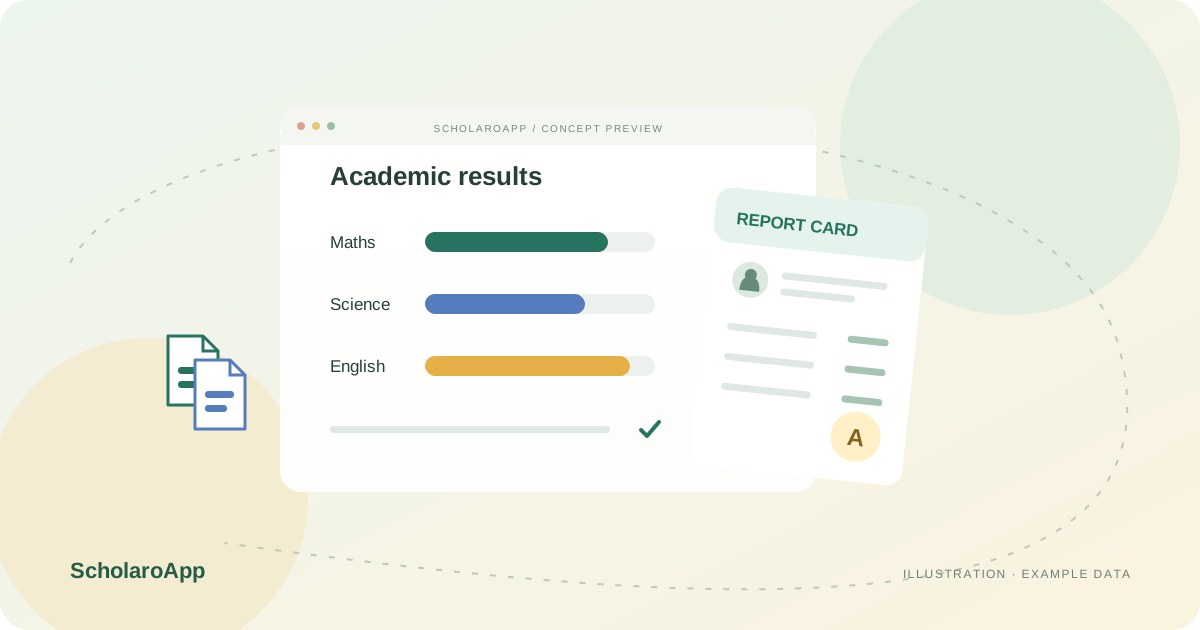
Configure exam categories, grade bands and category weightage. Set subject maximum and passing marks so that a sample calculation can be checked before staff enter a full class of results.
Use bulk marks entry and distinguish present, absent and exempted states. Review subject totals, calculated percentages and pass states rather than assuming every missing value means zero.
Check class summaries and student report cards, then use publication and marks-locking workflows. Confirm parent-visible result settings before releasing academic information.
Confirm your required report layout and curriculum-specific grading rules in a demo. No board certification, automatic compliance, unrestricted template designer or student online exam-taking interface is promised.
Feature availability depends on the product, configured package and current interface. Confirm the screens, setup and permissions your team will use in a guided demo. A feature described here is not a promise that it is bundled into every plan.
Custom grade bands by exam category and configurable category weightage are supported. Validate your particular calculation with sample marks.
Exam publication and marks locking are supported workflows. Ask who can publish, lock or make corrections within your institution's permissions.
No. This page covers exam configuration, marks and report cards. An online exam-taking interface is not established by those capabilities.
Share your institution size and the workflow you want to review. No student or parent records are needed to request a demo.