01
Prepare the class list
Check the academic session, classes and sections, then confirm which students belong in each register. A reliable list is the starting point for useful attendance reporting.
Give teachers a repeatable way to record attendance and give school administrators a clearer view of missing records and absences. Keep attendance connected to your student and class structure instead of combining separate spreadsheets at the end of the month.
For class teachers, school office teams and principals reviewing attendance across classes.
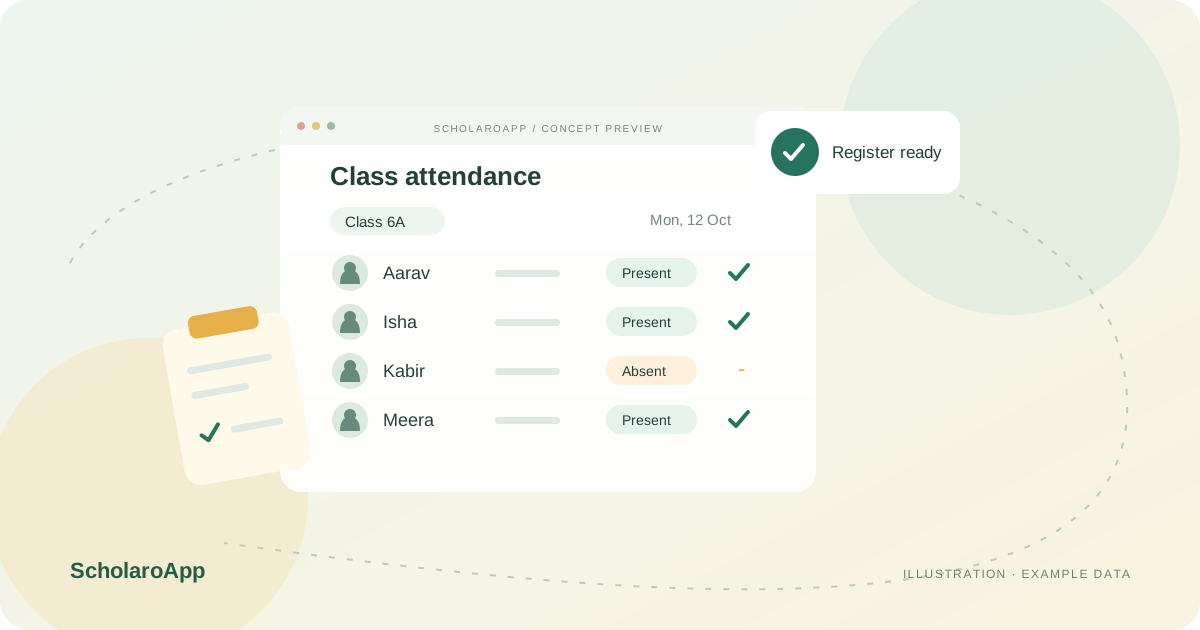
Check the academic session, classes and sections, then confirm which students belong in each register. A reliable list is the starting point for useful attendance reporting.
Use bulk student attendance recording and date-based history to review the day's records. Student checkout is a separate workflow that should be checked against your school's departure process.
Review class-level or management attendance views and export records for follow-up. Agree who checks incomplete entries and how your office handles corrections.
This page describes attendance recording and reporting, not biometric, RFID, facial-recognition or GPS integrations. Confirm notification channels and any scheduled attendance rules during your demo.
Feature availability depends on the product, configured package and current interface. Confirm the screens, setup and permissions your team will use in a guided demo. A feature described here is not a promise that it is bundled into every plan.
Bulk student attendance is supported. Ask to see the class selection, recording and review steps with a sample register.
Attendance exports are supported for class, teacher and whole-school reporting. Confirm the exact fields and report layout required by your school.
No biometric device integration is claimed here. Discuss any external device requirement separately before selecting a plan.
Share your institution size and the workflow you want to review. No student or parent records are needed to request a demo.