01
Map classes, subjects and teachers
Confirm the academic structure and teacher assignments. Write down the teaching slots, weekly subject requirements and availability rules you need the schedule to respect.
Keep teaching schedules connected to your classes, subjects and teachers. Start by reviewing the manual timetable workflow, then discuss any additional scheduling constraints your school needs rather than assuming an automatic generator covers every case.
For timetable coordinators and principals managing class and teacher schedules.
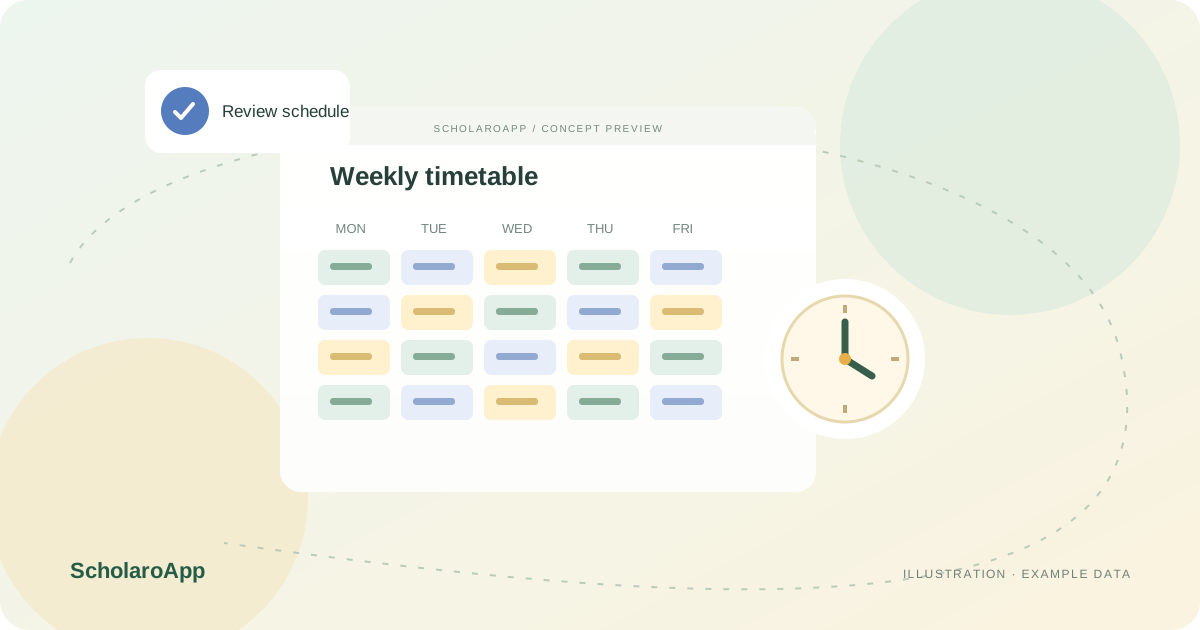
Confirm the academic structure and teacher assignments. Write down the teaching slots, weekly subject requirements and availability rules you need the schedule to respect.
Use manual timetable creation, editing and bulk updates for supported scheduling workflows. Review a sample week from both class and teacher perspectives before using the schedule operationally.
Students and teachers have daily and weekly timetable views; principals have school and class views. Confirm who maintains changes and how staff are told that a schedule has changed.
Constraint-based generation is backend-supported; a guided generator setup/editor interface is not part of the workflow described here. It is not an AI timetable generator. Room or lab allocation, substitutions and parallel elective scheduling are not included in that generator.
Feature availability depends on the product, configured package and current interface. Confirm the screens, setup and permissions your team will use in a guided demo. A feature described here is not a promise that it is bundled into every plan.
Manual timetable creation, editing and bulk updates are supported. Confirm the current interface and permissions in a demo.
No. The described backend generator is constraint-based. Its rules and limitations should be reviewed separately from manual timetable management.
Substitution management is not included in the described generator. Do not assume it is supported without a separate demonstration.
Share your institution size and the workflow you want to review. No student or parent records are needed to request a demo.