01
Set up vehicles and drivers
Keep vehicle records and assigned driver details together. Confirm the vehicle information and staff responsibilities your office needs to maintain before moving existing transport records.
Keep transport information connected to student records, including vehicle and driver details, routes and stops, student assignments and transport fees. Give school office teams a clearer place to review the records that support day-to-day transport coordination.
For school administrators and office teams coordinating vehicles, routes, student assignments and transport fees.
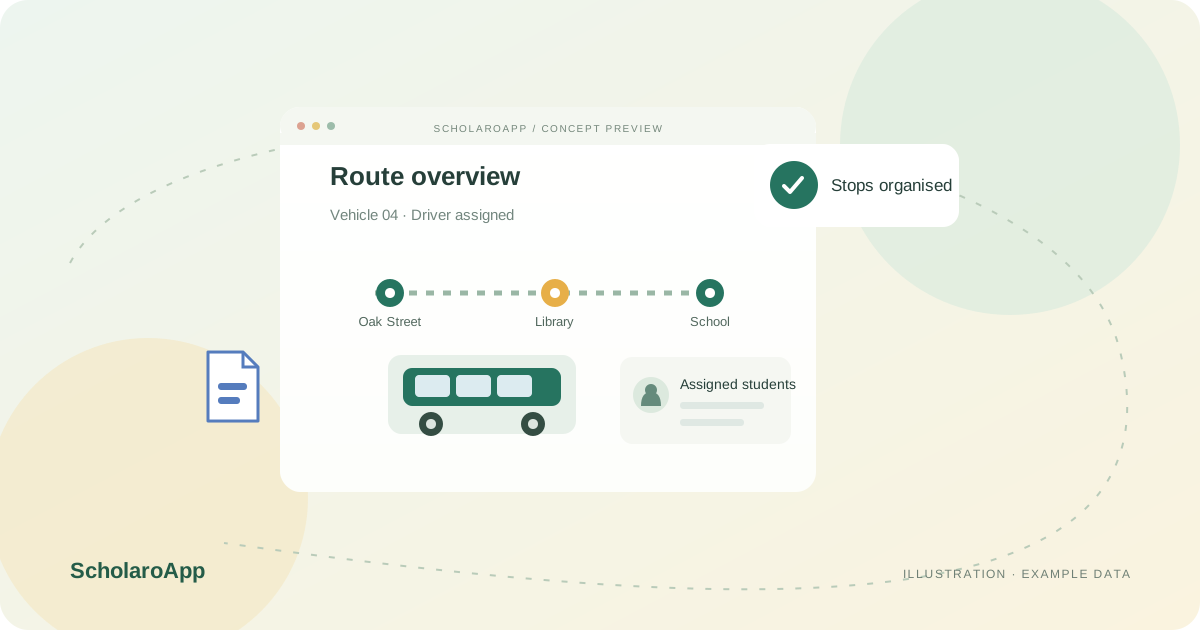
Keep vehicle records and assigned driver details together. Confirm the vehicle information and staff responsibilities your office needs to maintain before moving existing transport records.
Define routes with pickup and drop-off stops, then assign students to the right route and stop. Review the student list for each vehicle as enrolments or transport arrangements change.
Keep transport fees alongside tuition fees and transport details on student profiles. Agree how staff will check fee status, route changes and the current passenger list.
This page describes records for vehicles, drivers, routes, stops, student assignments and transport fees. It does not claim live GPS tracking, automated route optimisation, parent notifications or verification of legal vehicle capacity. Confirm the current interface and plan availability during your demo.
Feature availability depends on the product, configured package and current interface. Confirm the screens, setup and permissions your team will use in a guided demo. A feature described here is not a promise that it is bundled into every plan.
The school feature overview describes assigning students to routes and pickup or drop-off stops. Ask to see the assignment workflow and vehicle passenger list with sample records.
Transport fees can be tracked alongside tuition fees. Confirm how the fees appear on student accounts and which reports are available in your configured plan.
Live GPS tracking is not claimed here. Discuss any device integration, real-time tracking or parent notification requirement separately before selecting a plan.
Share your institution size and the workflow you want to review. No student or parent records are needed to request a demo.